Crawl4AI: Feeding Web Pages to an LLM Without the Bones
This post is also available in Turkish →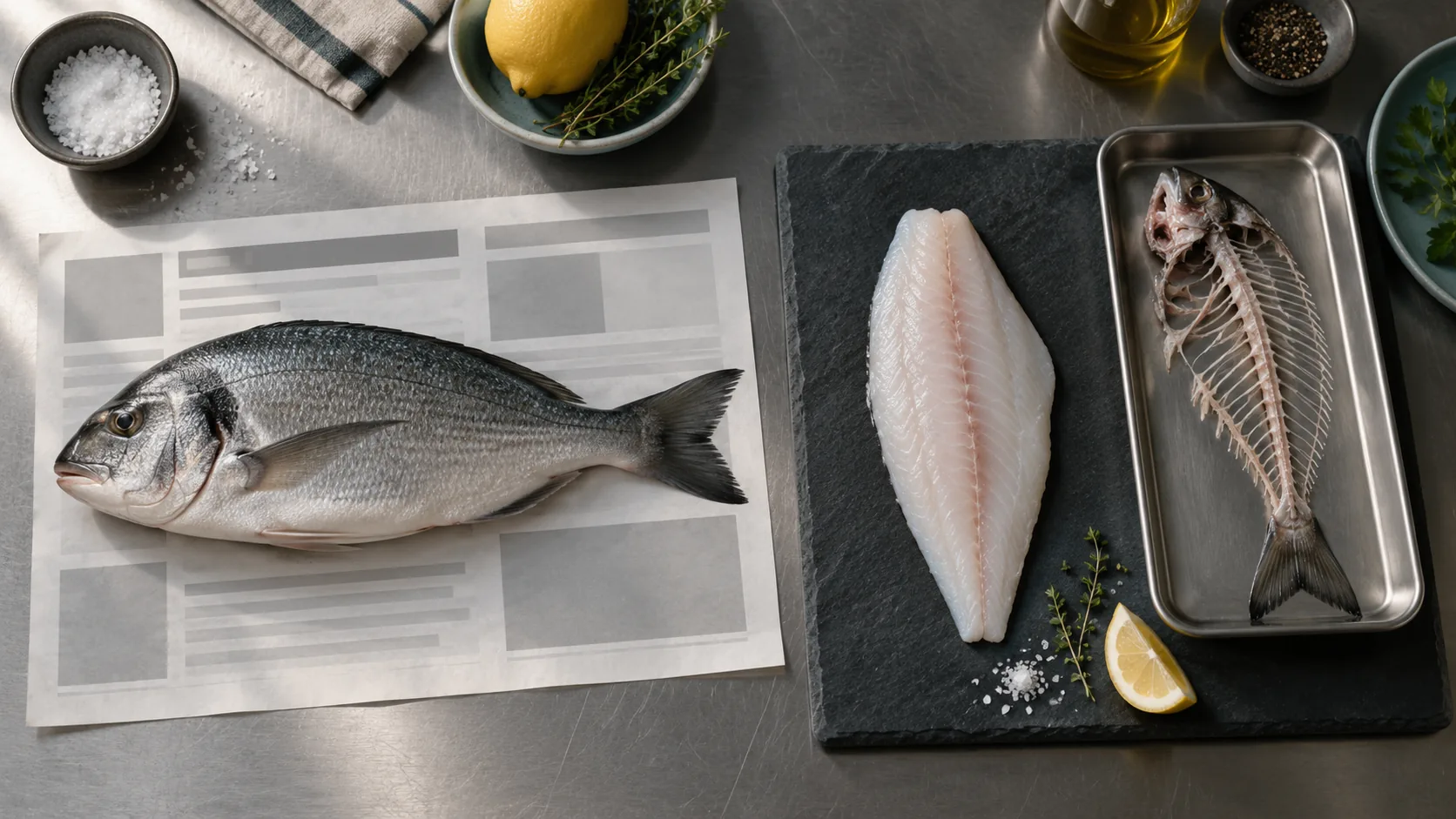
Most of us solve the "feed this page to a model" problem the same way: file_get_contents, a bit of strip_tags, two regexes on top, and off it goes. The result is always the same too. The model builds half its answer from the top navigation, a quarter from the cookie policy, and the rest from the words "Cart (0)".
A while back we talked about models turning into Dory (in Turkish). This week's radar entry sits at the other end of the same fish metaphor: not what you remind the model of, but what you feed it. Crawl4AI is an open source crawler whose job is to take the bones out of HTML and put a clean fillet in front of the LLM. I installed it, ran it and measured it. What follows are field notes.
What is Crawl4AI?#
Crawl4AI is an Apache-2.0 licensed Python crawler that opens a page in a real browser (Chromium via Playwright) and turns the content straight into Markdown. So the claim is not "download the HTML" but "open the page, run it, read it, clean it, make it edible for a model".
As of September 2026 the repository sits at 80.9k stars, 8.4k forks and 34 open issues. The latest release is 0.9.3, published on 31 August 2026. It requires Python 3.10 or newer. I pulled those numbers from the repository on the day of writing; this kind of data goes stale in a quarter, so check for yourself.
Is the install really three commands?#
It is. On a clean Python 3.11 environment the pip install step took 22.5 seconds here; the real waiting happens in crawl4ai-setup while the browser is downloaded.
pip install -U crawl4ai
crawl4ai-setup
crawl4ai-doctor
First trap: crawl4ai-doctor runs its health check by crawling the project's own website. On a machine behind a proxy that step died with net::ERR_TUNNEL_CONNECTION_FAILED, because the Python side reads the proxy environment variable and Chromium does not. On a corporate network you have to tell the browser separately: BrowserConfig(proxy="http://..."). A failing doctor does not mean a broken install, but it does scare you on the first run.
A command line tool ships with it as well:
crwl https://example.com -o markdown-fit
Where the bones come out: raw_markdown vs fit_markdown#
This is the part that matters, and the default behaviour is misleading. When you ask for -o markdown, or read result.markdown.raw_markdown, you get the navigation, the sidebar, the ad slot and all six footer links along with your content. If you want it cleaned, you have to wire up the content filter yourself.
import asyncio
from crawl4ai import AsyncWebCrawler, BrowserConfig, CrawlerRunConfig, CacheMode
from crawl4ai.content_filter_strategy import PruningContentFilter
from crawl4ai.markdown_generation_strategy import DefaultMarkdownGenerator
async def main():
md_gen = DefaultMarkdownGenerator(
content_filter=PruningContentFilter(threshold=0.48, threshold_type="fixed"),
options={"ignore_links": True},
)
cfg = CrawlerRunConfig(cache_mode=CacheMode.BYPASS, markdown_generator=md_gen)
async with AsyncWebCrawler(config=BrowserConfig(headless=True)) as crawler:
res = await crawler.arun("https://example.com", config=cfg)
print(len(res.markdown.raw_markdown), len(res.markdown.fit_markdown))
asyncio.run(main())
To measure it I served a typical e-commerce product page from a local server on my own machine: top navigation, a filter sidebar, two ad blocks, the product copy and a six item footer. The result:
| Stage | Characters | What is in it |
|---|---|---|
| Raw HTML | 2,190 | Everything |
raw_markdown | 1,268 | Product copy + nav + filters + footer |
fit_markdown | 805 | Only the product title, description and three sections |
The page had 18 internal links; the filtered output kept none of them. Crawl time on the local page was 0.26 seconds. Even on a small page more than a third of the raw output is noise. Multiply that by a thousand products and you have filled both your bill and your context window with menus.
For multi-page runs there is BFSDeepCrawlStrategy, DFSDeepCrawlStrategy and BestFirstCrawlingStrategy, bounded by max_depth, max_pages and FilterChain (see the deep crawling docs). Do not start one without a depth limit and then wonder why it is still running.
When it helps and when it does not#
It helps on pages whose content arrives through JavaScript, on jobs that need bulk crawling, and whenever the data must not leave your network. Everything runs on your own server, so the page never goes to a third party.
It does not help when you need the text of a single static HTML page; installing Chromium for that is silly, and trafilatura finishes the job in 30 MB of memory. Forget it on shared hosting too, since you need to run a browser. One more thing: the project moves fast, API names shift between versions, and some class names in the documentation do not match the source in the repository. Pin your version.
Maintenance and security: not the pretty part#
The license is Apache-2.0, development is active and releases come often. So far so good. But the GitHub security advisory list holds 10 published records, four of them critical: unauthenticated remote code execution through Chromium launch argument injection, arbitrary file write via path traversal, an AST sandbox escape, and multiple holes in the Docker API. All of them live in the Docker API server rather than the library itself.
That is why release 0.9.0 (18 June 2026) was announced as secure by default and switched authentication on out of the box. Even so, the Docker deployment page in the documentation still shows a jwt_enabled: false example. The two contradict each other. The practical takeaway is simple: after you bring the server up, read your own config.yml, and do not expose port 11235 to the internet. That includes the /playground endpoint.
Release 0.9.3 is itself tagged as a security release; the repository says it closes five coordinated-disclosure advisories in PDF processing and the Docker Playground. On the day I wrote this, those five had not been published individually on the advisory list, so I cannot detail them here.
Who actually builds this?#
The person who writes and maintains Crawl4AI goes by UncleCode on GitHub. The attribution notice in the repository's LICENSE file names him too: "This product includes software developed by UncleCode as part of the Crawl4AI project." His profile lists Singapore and says he founded Kidocode; his X account is @unclecode. There is no company in sight; one maintainer and a community carry the project.
Read the security record above with that in mind. On a single-maintainer project, 80k stars of attention means thousands of installs putting a Docker server on the public internet, and it is no accident that every advisory clusters there. This is not blame, it is capacity. Factor it in when you deploy.
The commercial side is not hidden either. The library is Apache-2.0, free, and asks for no API key, but the documentation announces a hosted version as "Crawl4AI Cloud API — Closed Beta", and the project takes sponsorships. What is free today will have a paid sibling tomorrow. That is fine; just decide with your eyes open.
How it compares#
| Tool | License | Stars | Reach for it when | Weak spot |
|---|---|---|---|---|
| Crawl4AI | Apache-2.0 | 80.9k | JS-heavy pages, bulk crawling, data stays with you | Heavy security history on the Docker server; browser dependency |
| Firecrawl | AGPL-3.0 (SDKs MIT) | 166.2k | Starting immediately without running infrastructure | AGPL obligations when self-hosting; the hosted side is paid |
| Jina Reader | Apache-2.0 | 12k | A single page, a quick try | Anonymous traffic is rate-limited hard; the page leaves your network |
| trafilatura | Apache-2.0 | 6.6k | Cheap text extraction from static HTML | Cannot see content that arrives through JavaScript |
Star counts were read from the repositories on 22 September 2026. Stars measure attention, not quality; read the table from the license and weak spot columns.
The names behind these tools are worth knowing too. Firecrawl is built by Firecrawl, a US company formerly known as Mendable AI; Reader is published by Jina AI; trafilatura is the academically grounded work of Adrien Barbaresi. All four are open source, but two have a company behind them and two rest on individuals. That difference shows up directly in how maintenance holds over time.
A concrete scenario on the PHP side#
There is no way to embed a Python crawler inside a PHP project, and no need to. The pattern we built in the stock forecasting article (in Turkish) works here as well: run Crawl4AI as a service on your own network and talk to it over HTTP from Phalcon.
docker run -d --name crawl4ai -p 127.0.0.1:11235:11235 --shm-size=1g unclecode/crawl4ai:latest
The 127.0.0.1 in the port binding is not a typo. We are not exposing the service.
<?php
declare(strict_types=1);
namespace App\Service;
use RuntimeException;
final class Crawl4AiClient
{
public function __construct(
private readonly string $baseUrl = 'http://127.0.0.1:11235',
private readonly int $timeout = 60
) {
}
/**
* @param list<string> $urls
* @return array<string, mixed>
*/
public function crawl(array $urls): array
{
$payload = [
'urls' => $urls,
'browser_config' => ['type' => 'BrowserConfig', 'params' => ['headless' => true]],
'crawler_config' => ['type' => 'CrawlerRunConfig', 'params' => ['cache_mode' => 'bypass']],
];
$ch = curl_init($this->baseUrl . '/crawl');
curl_setopt_array($ch, [
CURLOPT_POST => true,
CURLOPT_RETURNTRANSFER => true,
CURLOPT_TIMEOUT => $this->timeout,
CURLOPT_HTTPHEADER => ['Content-Type: application/json'],
CURLOPT_POSTFIELDS => json_encode($payload, JSON_THROW_ON_ERROR | JSON_UNESCAPED_UNICODE),
]);
$body = curl_exec($ch);
$status = curl_getinfo($ch, CURLINFO_RESPONSE_CODE);
$error = curl_error($ch);
// curl_close() is deprecated in PHP 8.5; the handle closes when it leaves scope.
if ($body === false) {
throw new RuntimeException('Crawl4AI request failed: ' . $error);
}
if ($status !== 200) {
throw new RuntimeException('Crawl4AI returned HTTP ' . $status . '.');
}
return json_decode((string) $body, true, 512, JSON_THROW_ON_ERROR);
}
}
Wire that into a service provider, pull it from the DI container, and collecting product descriptions from a supplier page or summarising a competitor's pricing page becomes one service call. Put it on a queue rather than running it inside the request; a service that launches a browser will hit a 60 second timeout without much effort.
A clean fillet, or the cookie policy?#
What Crawl4AI does well is clear: it opens a page in a browser, reduces it to text a model can actually use, and does that on your own server. What it does badly is just as clear: it leaves securing the Docker server to you, and its track record for people who left that door open is long.
Pin the version, keep the port closed, use fit_markdown. Do all three and your model gets a fillet with no bones in it. Skip them and your model memorises your cookie policy.
We covered the separate question of how agents connect to tools like this through a standard door in the MCP and Plugged.in article (in Turkish).
Stay with technology, and keep your ports closed.



Comments
0 comments
Leave a comment